



Normally, most enhancements and code improvements are posted only to the WebDev category so that they do bombard users with things they don’t care about. I actually write a bit ore than most of you realize, but it is that section which is not published to the main page, but only visible by subscription. Today though the new code is something that most of you will find useful, so it is being published to the main page.
We are announcing the Repeater Directory, right here on arrlstx.org. All officially recognized repeaters in our section is listed in the directory (736 of them!) all sorted by county. The styling of the page is very similar tothe FCC Database system we had built.
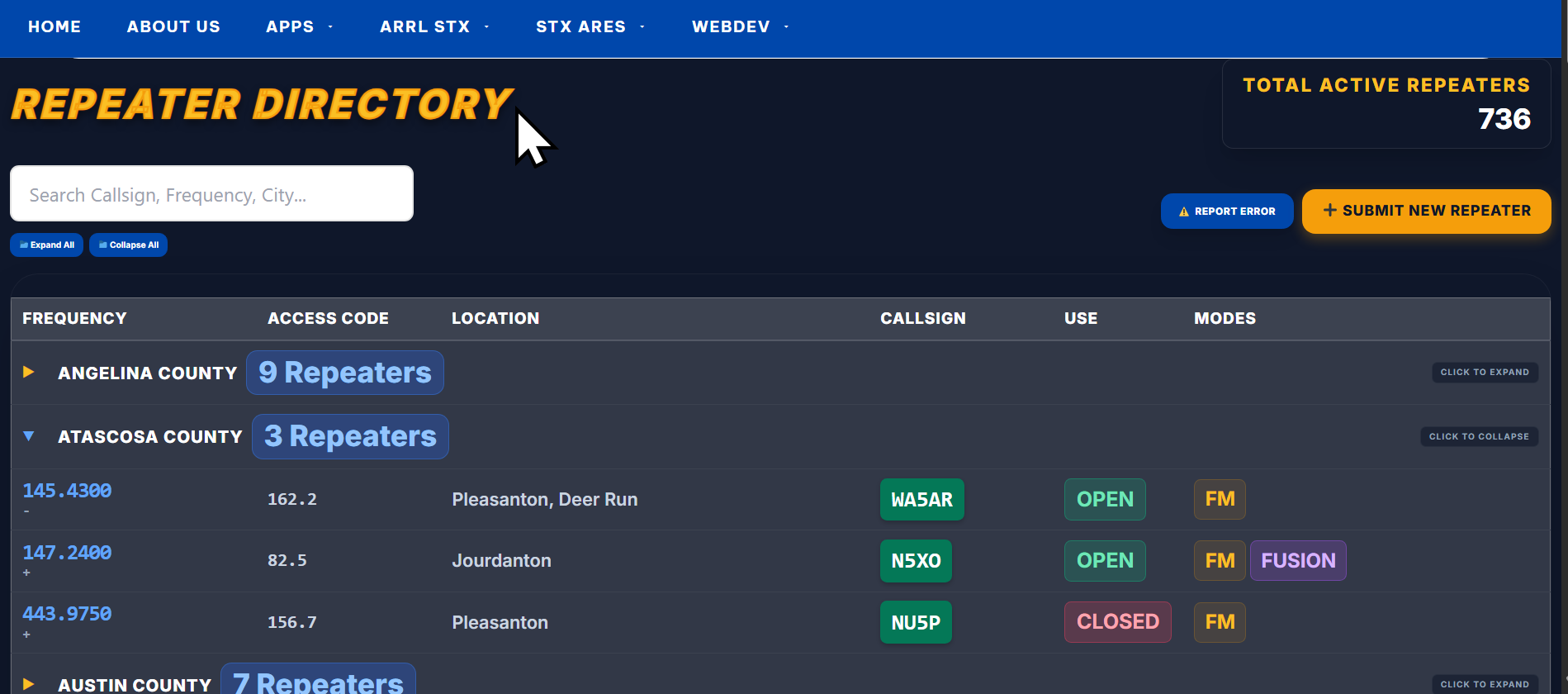

At the top of the directory we have 3 key features, first of which is a search box. The search function will allow you to search by any field in the record to search by any field in the database such as city, county, repeater call sign, frequency or even modes such as Echolink, DMR, Allstar etc.

Next is a Report Error button, legitimate errors reported will earn a user 10 points on the merit system if used. Last we have the Submit New Repeater button, any repeater a user submits that ends up being added to the database will earn a user a 15 point bonus on the merit system.

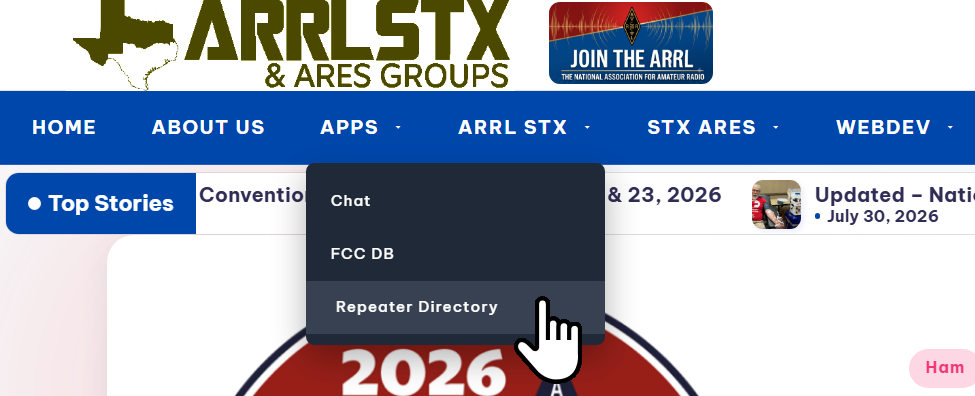
Be sure to check out the new tool, and feel free to comment on it if you have any issues or problems. It will be stored in the navigation menu under APPS.We will soon be expanding the system to cover privately listed non-coordinated repeaters, Allstar Node, DMR, Fusion and Dstar numbers as well as GMRS systems. Too, we would love to hear what suggestions you all might have for more tools, apps or functions on the website. Thanks for reading!
Did you enjoy this?
Log in to like this post.


This is a great new feature and it’s editable as well.
Thanks for this!
It is editable. We will also be integrating it to the merit system. At the top of the directory the 2 buttons ‘Submit New Repeater’ and ‘Report Error’ buttons will earn users points on the merit system used. I just need a few more days and that part of the code will be active. Get points for keep our directory accurate!
Awesome new feature. Makes access easy and all in one group. Have dug in much but maybe a feature to select repeaters and export them for upload.
73
K5TMW
Mike that is a great suggestion! I have modified the code. All users can now click the icon on the left side of the repeater record they like to save as a favorite. All favorite saved repeaters can be downloaded by clicking the EXPORT FAVORITES button at the top of the page. It will then download your favorites as a CHIRP compatible file for radio programming. Too, users can remove repeater stations from their favorites list by clicking the EDIT FAVORITES button at the top of the page. Thank you so much for the feedback and suggestion!
Thank you. I’m going to submit some of the Bell county repeaters.
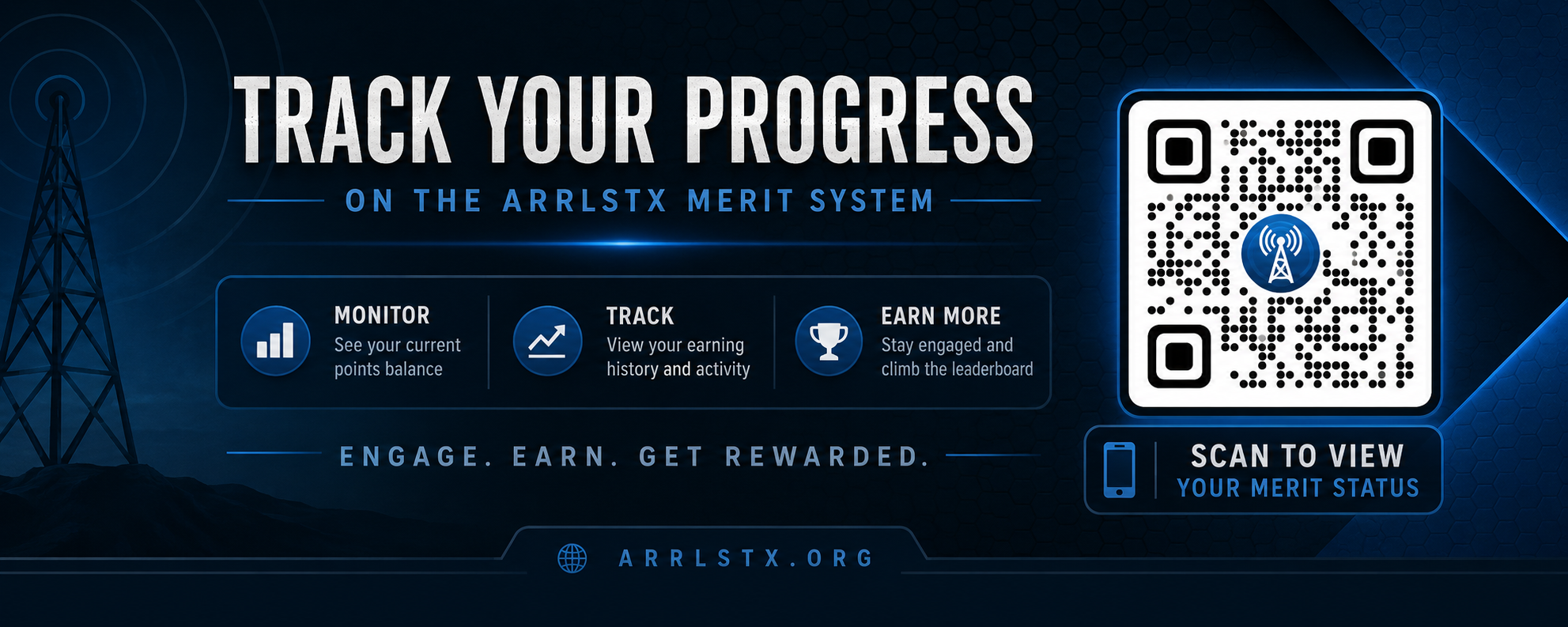
Also just added is the integration to the merit system. If a user reports bad repeater information they will earn 10 points. Too, if a user submits a new repeater to the directory they will earn 10 bonus points the moment the update is published.
The community drives the accuracy and is rewarded for their help.